Introduction
Claude is one of the best AI writing tools available right now. It writes cleaner than most chatbots, handles long context well, and usually sounds more natural than basic ChatGPT output.
But Claude still gets detected as AI.
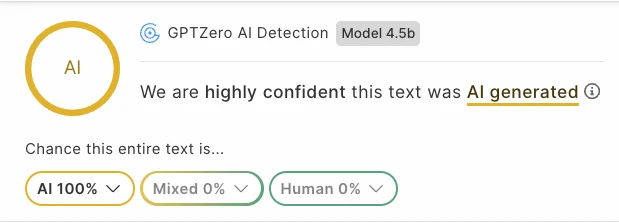
In our test, Claude text came back as 100% AI on GPTZero.
That is why humanizing Claude matters. If you use Claude for essays, blog posts, emails, or research drafts, the text needs to be rewritten so it sounds human and can bypass AI detectors.
This guide shows how to humanize Claude in 2026 using TwainGPT.
Why Claude Still Sounds Detectable
Claude is good, but it still has patterns.
Claude often writes with:
- Smooth sentence structure
- Balanced paragraphs
- Polished transitions
- Careful explanations
- Low personal variation
- A very clean assistant-style rhythm
It sounds professional, but the pacing stays too smooth. Writing from a real person usually sounds more natural: concrete specifics, breaks where ideas actually land, and pacing that shifts instead of staying locked in one rhythm.
AI detectors look for those patterns. Besides obvious robotic text, they look for consistency, predictability, sentence rhythm, and statistical patterns in the writing.
So even when Claude sounds better than other AI tools, detectors can still flag it.
Can AI Detectors Detect Claude?
Yes, AI detectors can detect Claude.
In our test, Claude output was flagged as 100% AI by GPTZero.
| Text Type | Detector | Result |
|---|---|---|
| Claude output | GPTZero | 100% AI |
That does not mean every Claude sample will always score 100% AI. Detection depends on the text length, topic, style, and detector used.
But the test result is clear enough: Claude text can still get caught, especially when the output is polished and structured like a typical AI answer.
How to Humanize Claude
The easiest way to humanize Claude is to use the TwainGPT AI humanizer.
TwainGPT is built to transform AI-generated text into human-like writing that passes detectors. It has a clean humanizer interface, supports document uploads, and includes both Basic and Pro models.
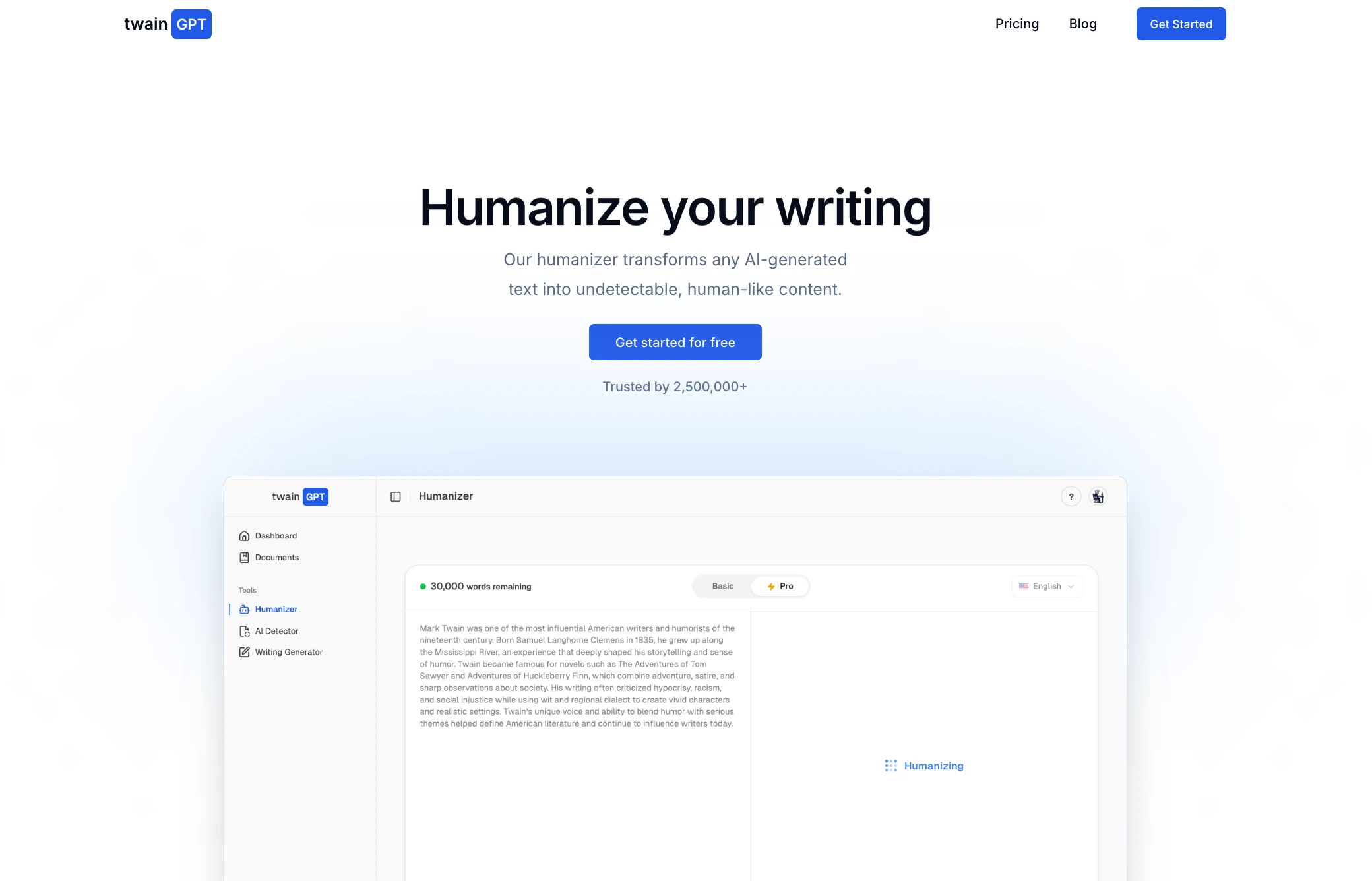
For this test, we used the Basic model.
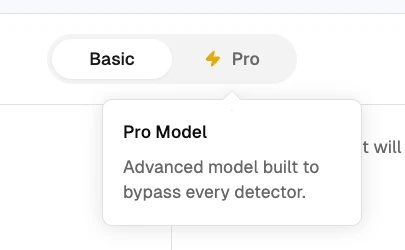
That matters because Basic is the standard model available to all users. Pro is more powerful and built to bypass every detector, but Basic was enough for this Claude test.
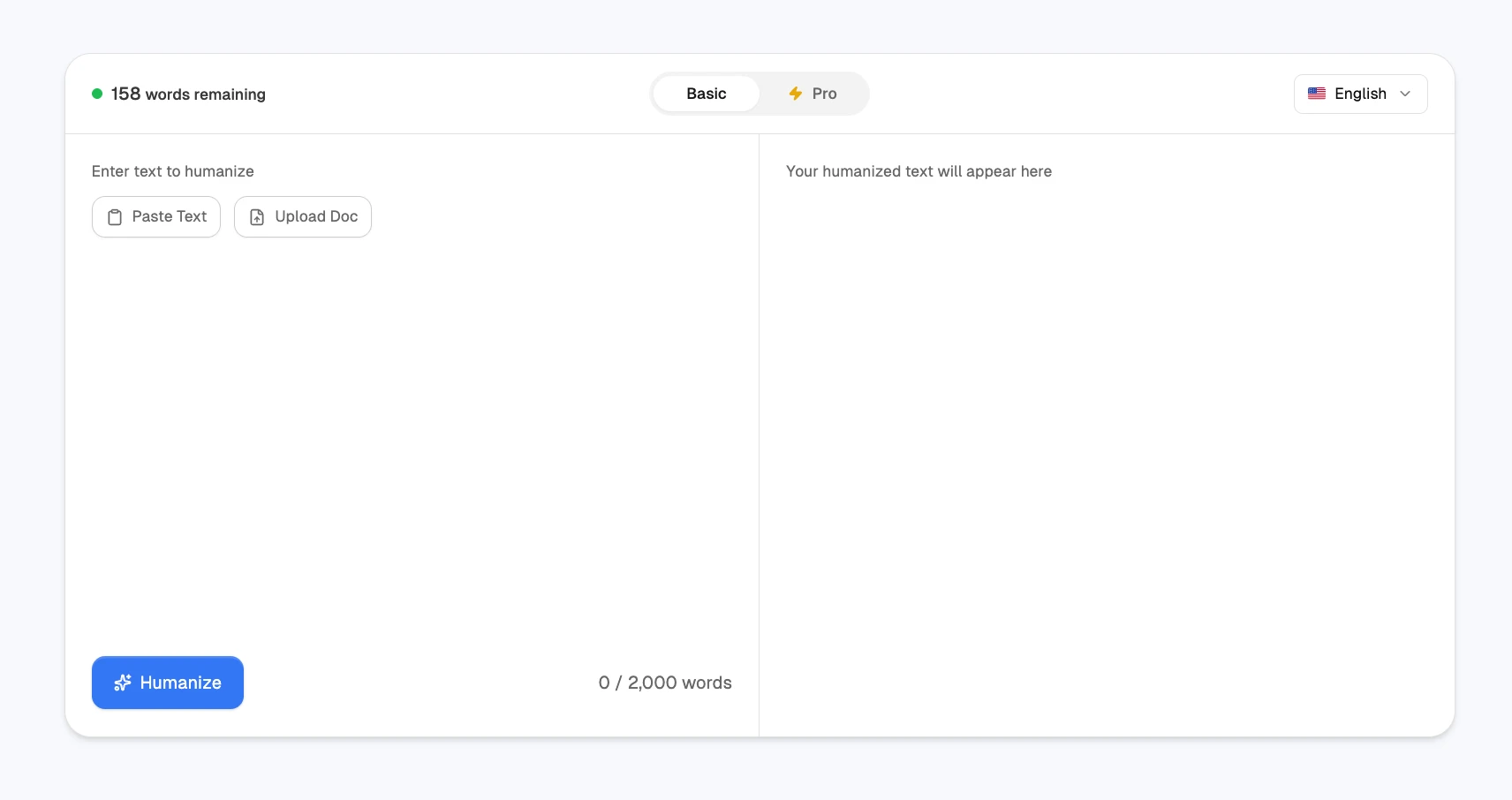
Step-by-Step: Humanize Claude with TwainGPT
Here is the simple process:
- Generate your draft in Claude.
- Copy the Claude output.
- Open the TwainGPT AI humanizer.
- Paste the Claude text into the humanizer.
- Use the Basic model, or upgrade to Pro for stronger rewriting.
- Choose your language.
- Click Humanize.
- Run the humanized version through detectors.
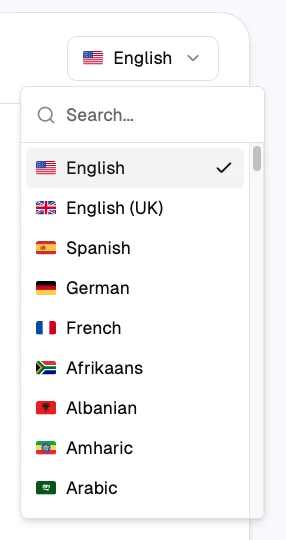
TwainGPT also supports humanization in 100+ languages, which is useful if your Claude output is not in English.
Basic vs Pro Model
TwainGPT has two humanizer models:
| Model | Best For |
|---|---|
| Basic | Standard humanization and everyday detector bypassing. |
| Pro | More advanced rewriting for tougher detectors. |
For this article, we used Basic because it is the most standard option.
The Pro model is more powerful, but it requires upgrading. If Basic can handle the test, that is a stronger sign for normal users.
TwainGPT Test Results
After humanizing the Claude text with TwainGPT, we tested the output against five detectors:
- GPTZero
- Turnitin
- ZeroGPT
- QuillBot
- Copyleaks
The result was consistent across the board.
| Detector | Result After TwainGPT |
|---|---|
| GPTZero | 0% AI |
| Turnitin | 0% AI |
| ZeroGPT | 0% AI |
| QuillBot | 0% AI |
| Copyleaks | 0% AI |
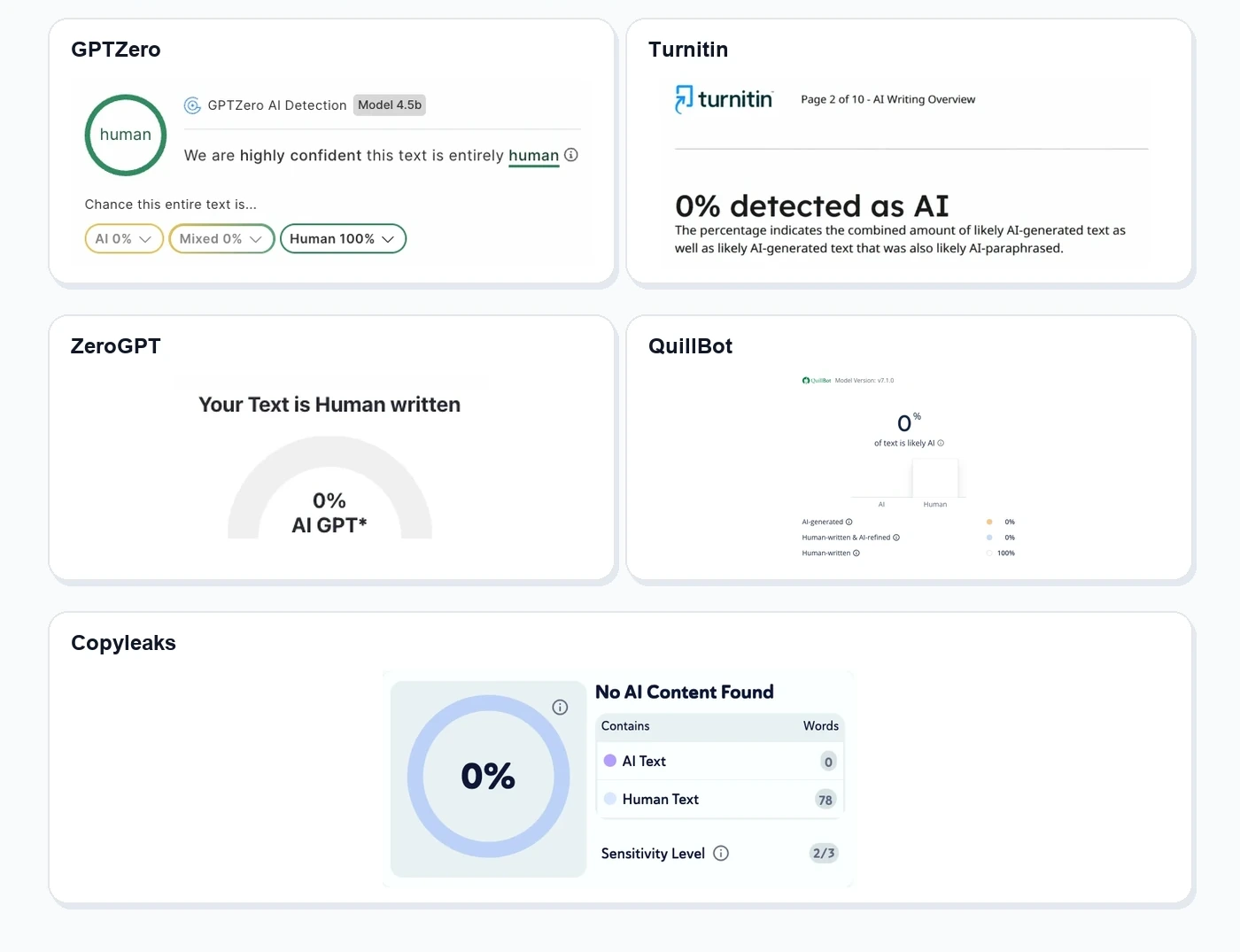
GPTZero marked the output as 100% human, Turnitin showed 0% detected as AI, ZeroGPT showed 0% AI, QuillBot showed 0% of text is likely AI, and Copyleaks showed No AI Content Found.
Overall, TwainGPT humanized the Claude output well enough to bypass every detector we tested.
AI Detector
TwainGPT also includes an AI detector inside the same dashboard.
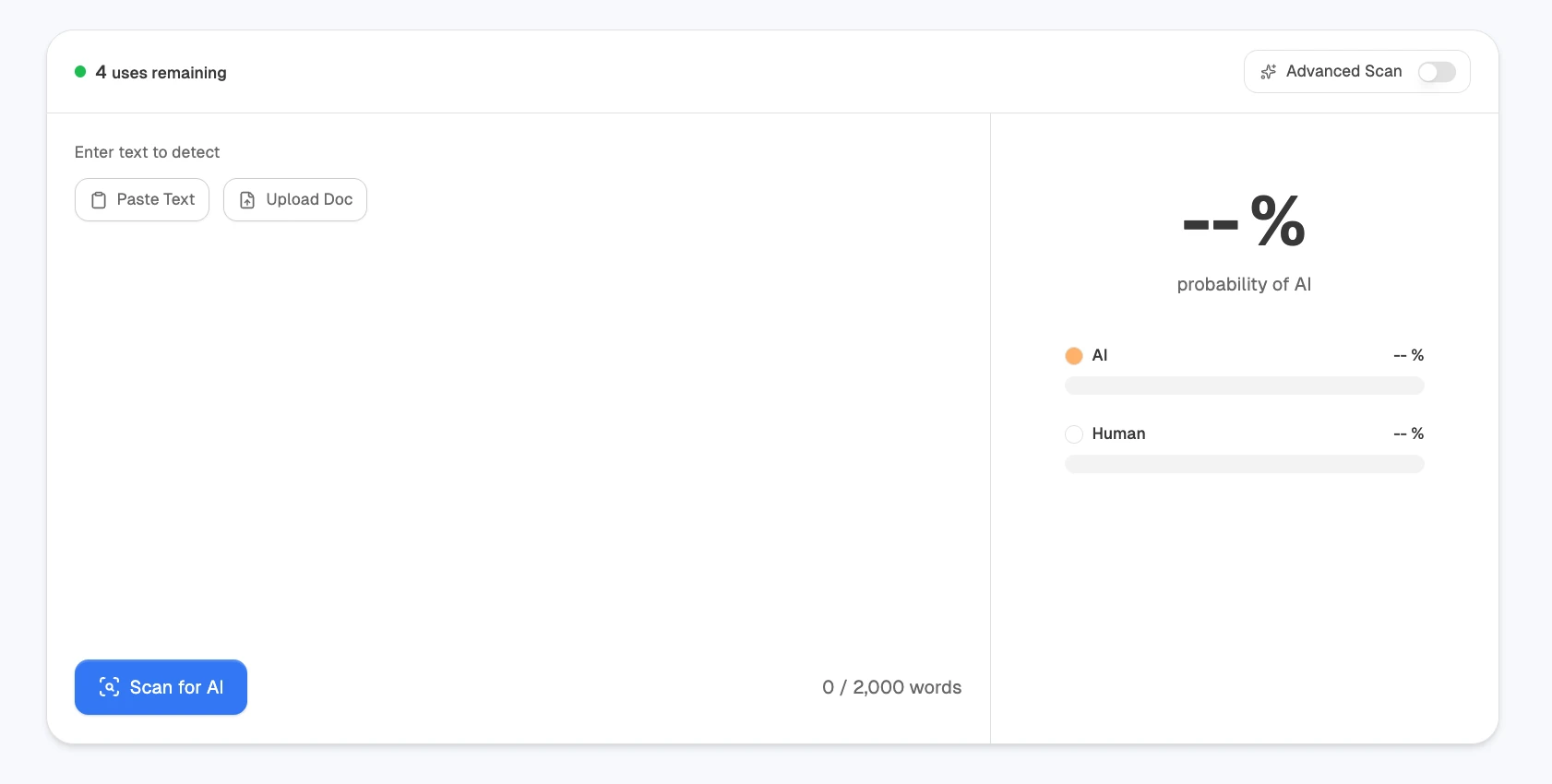
That gives you a quick way to check Claude text before or after humanizing it. The main focus of this guide is still the humanizer, because the goal is to make Claude output read naturally and pass external detectors.
Pricing
TwainGPT has Basic, Premium, and Ultimate plans.

| Plan | Monthly Price | Yearly Price | Humanizer Words | AI Detector Uses |
|---|---|---|---|---|
| Basic | $10/month | $8/month | 8,000 | 100 |
| Premium | $25/month | $20/month | 30,000 | 500 |
| Ultimate | $50/month | $40/month | Unlimited | Unlimited |
Note: The yearly prices are billed annually.
Final Verdict
TwainGPT is the best way to humanize Claude in 2026.
In our test, Claude output came back as 100% AI on GPTZero. After humanizing it with TwainGPT, the same text passed GPTZero, Turnitin, ZeroGPT, QuillBot, and Copyleaks at 0% AI.
That is the main takeaway. Claude is a strong AI writer, but its output can still look AI-generated to detectors. If you want to humanize Claude and bypass detectors, use TwainGPT.
FAQ
Can Claude be detected?
Yes. In our test, Claude output was flagged as 100% AI by GPTZero.
How do you humanize Claude?
Paste the Claude text into TwainGPT and humanize the text before checking it with detectors.
Is TwainGPT free?
TwainGPT has a free plan, but higher limits require upgrading.
Can TwainGPT humanize Claude in other languages?
Yes, TwainGPT supports humanization in 100+ languages.