Grammarly used to feel like a simple writing tool. You typed your essay, it caught spelling mistakes, fixed a comma, and made the writing a little cleaner.
Now the question feels more complicated. Schools have AI policies. Professors mention AI detection. Grammarly has AI-powered editing features, an AI detector, an AI humanizer, paraphrasing tools, and rewrite suggestions. A tool that once felt like spell check now sits in the same conversation as ChatGPT, Turnitin, and AI detectors.
So when people ask whether Grammarly counts as AI, they are usually asking something more practical: if they use Grammarly before submitting, can the paper get flagged?
Why People Are Worried About Grammarly
The worry makes sense because Grammarly does use AI. It has used machine learning and natural language processing for years to understand grammar, clarity, tone, and sentence structure. Newer Grammarly tools go even further by rewriting, paraphrasing, detecting AI, and generating suggestions.
That does not mean every Grammarly edit is the same as AI writing.
There is a big difference between fixing a typo and letting a tool rewrite an entire paragraph. There is also a big difference between using Grammarly to clean up human writing and using Grammarly's AI tools to reshape AI-generated text.
This is where students and writers get stuck. A professor may say "no AI," but they may not explain whether that includes grammar checkers, paraphrasing tools, AI rewrite buttons, or built-in writing assistants. The tool is one thing. How much it changes your final text is another.

Does Grammarly Count as AI?
Grammarly can count as AI-assisted writing, but it depends on which features you use.
If you use Grammarly for light grammar, spelling, punctuation, and small clarity edits on writing that is already human-written, it probably will not change the AI score much. The ideas, structure, and voice are still yours. Grammarly is acting more like a proofreader.
If you use Grammarly's paraphrasing tool, AI humanizer, rewrite features, or generative writing tools to heavily modify your work, the risk changes. At that point, Grammarly is no longer only correcting the surface of your writing. It is helping rewrite the actual language, and that can make the text look more AI-polished or statistically predictable.
Grammarly itself is not automatically the problem. The problem is when the final draft no longer sounds like the person who wrote the first draft.
Grammarly Proofreading vs Grammarly Rewriting
A light proofreading pass usually changes small things: spelling, punctuation, grammar, missing words, awkward phrases, or a sentence that needs a little cleanup. These edits can make writing more readable without replacing the writer's voice.
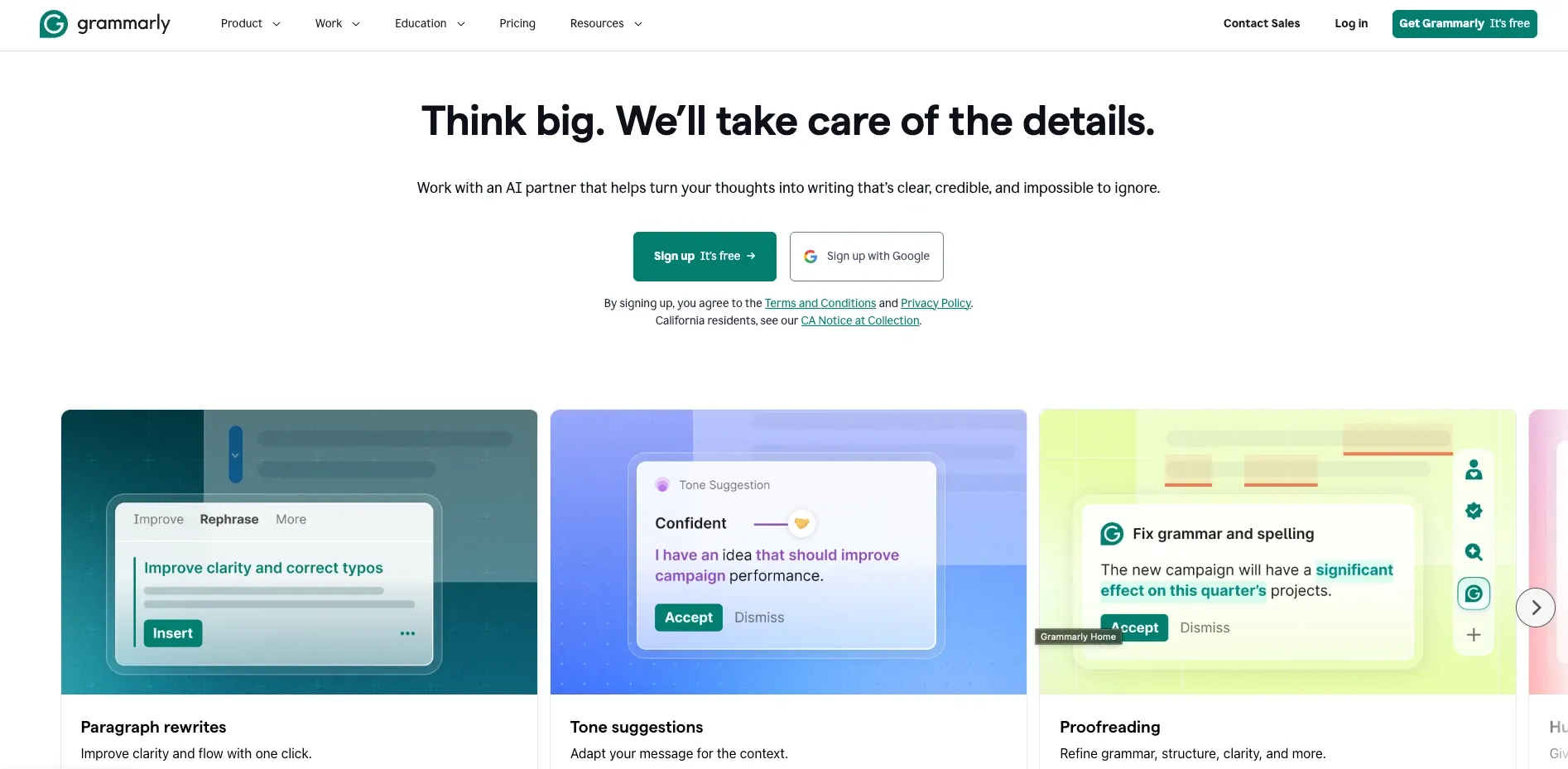
Heavy rewriting is different. If Grammarly rewrites sentences, replaces phrasing, smooths the tone, changes transitions, or paraphrases paragraphs, the writing can start to lose the rough edges that make it sound human. It may become cleaner, but also more generic.
AI detectors do not know that Grammarly was open on your laptop. They are not checking your browser history. They analyze the final text. If the final text has overly smooth sentence rhythm, generic phrasing, and uniform structure, it can look more AI-generated even if the original idea came from you.
That is why two people can both say they "used Grammarly" and have completely different levels of risk. One person used it like spell check. Another accepted every rewrite suggestion and ran the paper through a paraphrasing tool. Those are not the same thing.
Which Grammarly Features Are Riskier?
The safest Grammarly features are the ones that make small corrections without changing the core sentence. The riskiest features are the ones that rewrite or generate language for you.
| Grammarly feature | Risk level | Why it matters |
|---|---|---|
| Spelling fixes | Low | Usually does not change writing style |
| Basic grammar fixes | Low | Corrects mistakes without replacing the draft |
| Light clarity edits | Low to medium | Usually fine if used selectively |
| Tone suggestions | Medium | Can smooth your natural voice |
| Sentence rewrites | Medium to high | Can replace your phrasing with tool-generated phrasing |
| Paraphrasing tool | High | Can make text more predictable and AI-like |
| AI humanizer | High | Modifies the text, but does not reliably bypass AI detectors |
| Grammarly Go | High | Can create or heavily rewrite text for you |
The important part is not whether a button says "AI." The important part is how much of your final wording came from the tool.
If Grammarly is fixing small mistakes in your own writing, that is usually a normal editing workflow. If Grammarly is rewriting the paper into a new version, that is much closer to AI-assisted writing.
Can Grammarly Make Human Writing Get Flagged?
It can happen, especially when Grammarly is used too aggressively.
If your text is truly human-written and you only use light grammar tools, Grammarly probably will not suddenly cause the entire paper to be detected as AI. A few small fixes are not usually enough to change the writing pattern.
But heavy rewriting can create a different problem. Grammarly's paraphrasing and AI humanizer tools may make the writing cleaner, but they are not built to bypass AI detectors. In some cases, they can even make human writing look more AI-like because they remove personal phrasing and replace it with smoother, more common sentence patterns.
That is why "humanizer" does not always mean undetectable. Some humanizers only paraphrase. Some just make the text sound polished. If the tool does not actually understand what AI detectors are looking for, it may fail against Turnitin, GPTZero, Copyleaks, or other AI detectors.
We tested Grammarly alongside other tools in our best AI humanizer guide to see whether it could bypass leading AI detectors. It did not reliably reduce AI detection scores, so it should not be trusted to make AI-generated text bypass detection.
Does Grammarly's AI Humanizer Bypass AI Detectors?
No, not reliably. Grammarly's AI Humanizer can change the wording and make a passage sound cleaner, but that does not mean the result will bypass Turnitin or other AI detectors.
AI detectors look beyond individual words. They analyze patterns such as sentence rhythm, predictability, phrasing, and structure. If a humanizer mainly paraphrases the original text, those deeper patterns can remain even when the passage looks different on the surface. A ChatGPT paragraph can therefore still get flagged after Grammarly rewrites it.
Grammarly's paraphrasing tool has the same limitation. It can make a sentence shorter, clearer, or more formal, but it is designed for editing rather than bypassing AI detection. Running human-written work through either tool unnecessarily may even replace parts of your natural voice with smoother, more predictable wording.
Grammarly is excellent for grammar, clarity, and general editing. Its AI Humanizer and paraphrasing tool, however, should not be treated as reliable detector-bypass tools. If you use them on AI-generated writing, check the final version with an AI detector before submitting it.
How Reliable Is Grammarly's AI Detector?
Grammarly also has its own AI detector, and it is useful as a quick check.
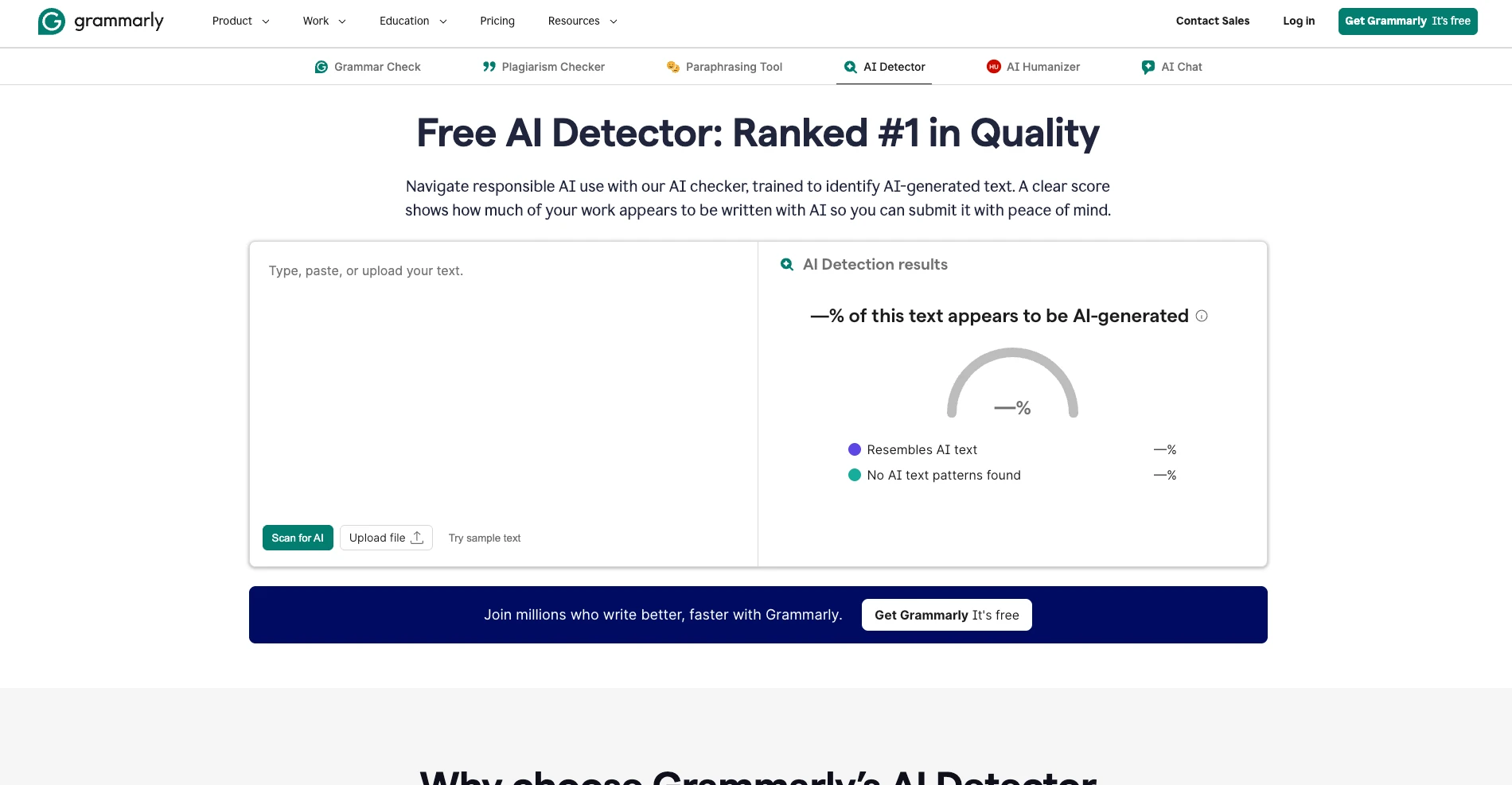
The nice part is that it fits naturally inside the Grammarly workflow. If you already use Grammarly, having an AI detector built into the same platform is convenient. It can give you a quick idea of whether your text resembles AI writing before you submit or publish.
It is also a little more forgiving than some detectors. That can be good because overly sensitive detectors create false positives, especially on polished human writing. But it also means Grammarly's detector should not be treated as the final authority for every school or professor.
If your class uses Turnitin, your professor is going to care about the Turnitin report, not Grammarly's score. If your workplace uses another detector, that tool may read the same text differently. AI detectors are not identical, so one clean score does not guarantee every other detector will agree.
For a deeper look at Grammarly's detector and humanizer, read our Grammarly review.
Does Grammarly Count as AI for School?
For most students, light Grammarly use is usually fine. Most teachers and institutions understand the difference between proofreading and having a tool write the assignment for you.
Using Grammarly to fix spelling, clean up grammar, and catch small mistakes is usually treated like using spell check, a writing center, or a proofreader. The work is still yours.
The problem starts when Grammarly starts doing the writing. If you use generative features to create paragraphs, rewrite your argument, paraphrase large sections, or make the paper sound like a different writer, a professor may see that as AI assistance. Whether that is allowed depends on the class policy.
If the policy is unclear, ask before submitting. A simple question like "Is Grammarly allowed for grammar and clarity edits?" is better than guessing after the paper is flagged.
The safest approach is to keep drafts, notes, outlines, and version history. If anyone questions your writing, those records help show that the work developed from your own process.
Can Turnitin Detect Grammarly?
Turnitin does not detect Grammarly as a tool. It detects writing patterns.
If you use Grammarly for basic proofreading, Turnitin is unlikely to flag the paper only because Grammarly fixed a few grammar issues. If you use Grammarly Go or Grammarly's paraphrasing and heavy rewriting features, the final text may start to look more AI-assisted.
That is why the question should not be "Can Turnitin see Grammarly?" The better question is "Did Grammarly change this enough that it no longer sounds like me?"
If your answer is yes, revise it manually before submitting.
What to Do Before Submitting
Before you submit, read the paper out loud. If a sentence sounds too polished, generic, or unlike something you would normally write, change it yourself. Keep your own phrasing where it works. Do not accept every suggestion just because it is there.
Use Grammarly for obvious errors first. Fix typos, grammar mistakes, and punctuation problems. Then slow down when it suggests rewrites. If the rewrite changes your voice, skip it or rewrite the sentence manually.
After editing, run the final version through an AI detector. This will not perfectly predict Turnitin, but it can show whether the writing still looks AI-generated. If the score is high, do not blindly submit. Look for the sections that sound too smooth, too generic, or too repetitive.
If the text started as AI-generated, basic Grammarly edits probably will not be enough to bypass AI detectors. In that case, use TwainGPT's AI humanizer to rewrite the text in a more natural way and bypass AI detectors, then check the final version with an AI detector before submitting.
Final Answer
Grammarly can count as AI depending on how you use it.
Light grammar, spelling, punctuation, and clarity edits usually act like proofreading. If the text is truly human-written, those edits probably will not change the AI score much.
Grammarly's paraphrasing tool, AI humanizer, rewrite features, and Grammarly Go are different. Those tools can replace your phrasing, smooth out your voice, and make the writing look more AI-assisted. They also do not reliably bypass AI detectors.
So the practical rule is simple: use Grammarly to clean up your writing, not to write or rewrite the whole thing. If you use heavier AI features, check the final draft before submitting.
FAQ
Does Grammarly count as AI?
Grammarly counts as AI-assisted writing when its generative or rewriting features create your wording, while basic grammar and spelling corrections are generally considered normal editing.
Can Grammarly get you flagged for AI?
Grammarly can get your writing flagged as AI if you use its rewrite, paraphrasing, AI Humanizer, or other generative features, while basic proofreading carries much less risk.
Does Grammarly's paraphrasing tool bypass AI detectors?
Grammarly's paraphrasing tool does not reliably bypass AI detectors because it changes the wording without consistently removing the deeper patterns associated with AI-generated text.
Is Grammarly's AI detector reliable?
Grammarly's AI detector is reliable enough for a preliminary check and tends to be less sensitive than some alternatives, but its result may differ from Turnitin or another detector used by your school.
Is Grammarly allowed in college?
Grammarly is usually allowed in college for grammar and spelling corrections, but permission for its rewriting and generative AI features depends on your institution's policy.