Introduction
Google Classroom is one of the most common platforms students use to receive assignments, submit work, and communicate with teachers.
It was released in 2014, but it became much more dominant in 2020 when schools moved online during the COVID-19 pandemic. Today, Google Classroom is especially common in high schools, middle schools, and K-12 institutions, while platforms like Canvas are more common in colleges and universities.
Because so many students now submit essays, short answers, worksheets, and projects through Google Classroom, one question keeps coming up:
Does Google Classroom have AI detection?
What Google Classroom Actually Does
Google Classroom is mainly a learning management system. Teachers use it to:
- Create assignments
- Attach Google Docs, Slides, Forms, and PDFs
- Collect student work
- Leave private comments
- Grade submissions
- Return work with feedback
- Organize class materials
Google Classroom handles the assignment workflow. It does not generate an AI-writing score for submitted work.
That distinction matters because students are usually asking whether Classroom can detect AI after they submit. In most cases, AI detection comes from a teacher, school policy, or an outside tool rather than Google Classroom automatically scanning the assignment.
Does Google Classroom Have AI Detection?
Google Classroom does not detect AI writing, but your teacher or school may use other AI detectors.
Google Classroom does not automatically tell your teacher, "This was written by ChatGPT," "This was written by Gemini," or "This essay is 80% AI." If your assignment is submitted through Classroom, Classroom is not automatically producing an AI score.
However, that does not mean your work cannot be checked.
Your teacher or institution may still use:
- Google Docs version history
- Google Classroom originality reports
- A third-party AI detector
- A plagiarism checker
- Manual review of writing style
- Separate academic integrity software
The important distinction is this:
Google Classroom does not detect AI writing, but your school might still check your work with other tools.
What People Are Asking Google About This
This is not just a student concern. People in the Google Classroom community are asking about the same thing.
In one Google Classroom help thread, a user asked directly about AI detection in Google Classroom and whether there were recommended tools to integrate AI detection into Classroom.
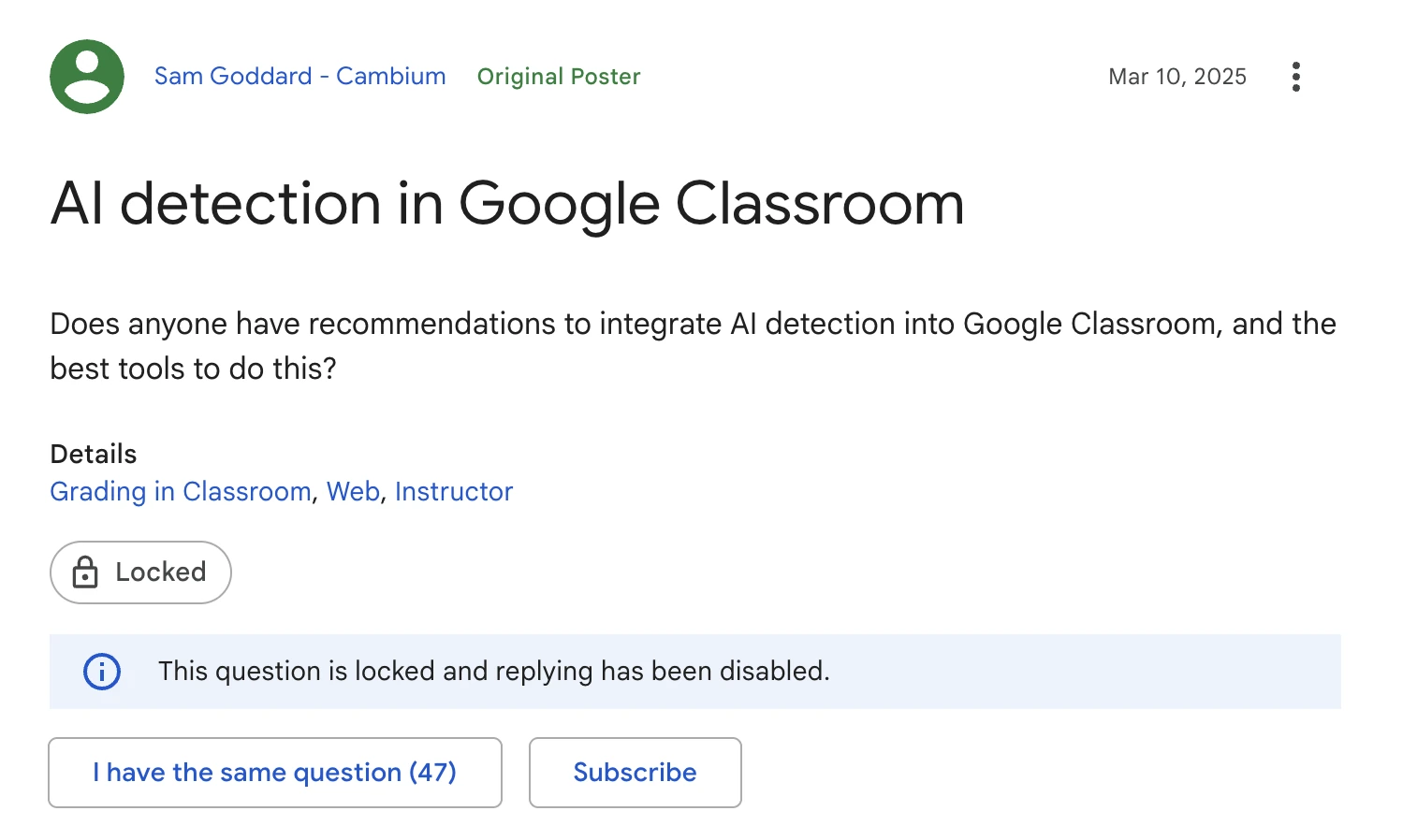
That question is important because it shows the core issue: people want to know whether AI detection exists inside Google Classroom, or whether it has to come from another tool.
The response from a Google Product Expert was also direct: they said there are no reliable AI detectors, that detectors can produce false positives and false negatives, and that, as far as they knew, Google had no plans to include that kind of function in Classroom.
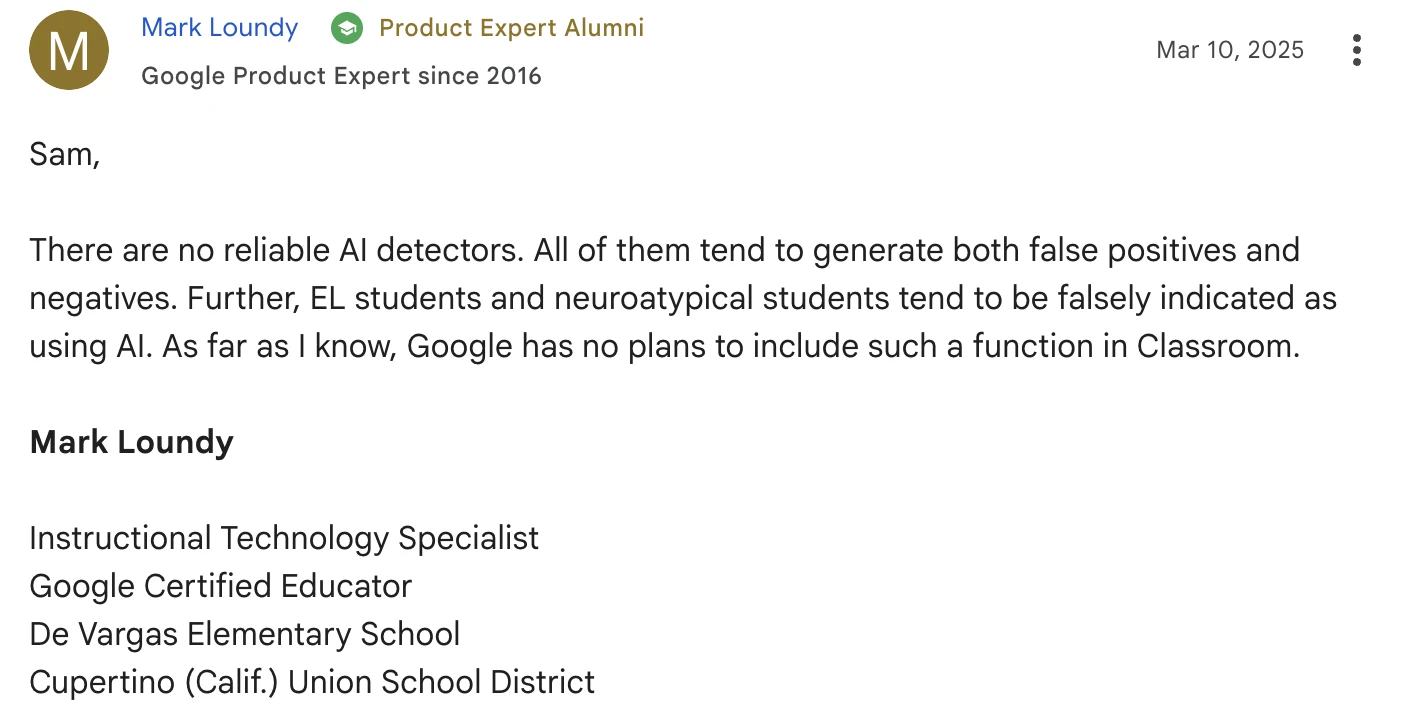
This is why students should understand the difference between Google Classroom and outside tools. Classroom may not include its own AI detection feature, but teachers can still look for AI writing in other ways.
Does Google Classroom Use an AI Detector?
Google Classroom does not use one default AI detector for every school.
If AI detection is being used, it depends on the school, teacher, district, or institution.
Some schools may not use any AI detector. Some may only use Google originality reports. Others may use third-party tools around their Google Classroom workflow.
Tools schools or teachers may use include:
- GPTZero
- Copyleaks
- Turnitin
- Other academic integrity tools
These tools are separate from Google Classroom. A teacher may copy text into an AI detector, use a school-provided detector, or connect academic integrity tools through an institutional workflow.
That means two students can both submit through Google Classroom and have completely different experiences depending on the school.
Originality Reports Are Not AI Detection
Google Classroom has an originality-report feature, but originality reports are not the same thing as AI detectors.
Google's Classroom help documentation explains that teachers can turn on originality reports for assignments and that school matches can be enabled by administrators: Google Classroom originality reports.
Originality reports are mainly about source overlap. They help identify uncited text, possible plagiarism, and matches against available sources.
AI detection is different. AI-generated text can be original, meaning it may not be copied from a website or book. A student can submit AI-written text that does not match any source, but still sounds machine-generated.
That is why originality reports and AI detection answer different questions:
| Tool | What It Checks | Does It Detect AI? |
|---|---|---|
| Google Classroom | Assignment submission and grading | No |
| Originality reports | Source overlap and possible plagiarism | No |
| Google Docs version history | How a document was edited | No |
| AI detectors | Whether writing appears AI-generated | Yes |
If your teacher says they are checking originality, that does not automatically mean they are using an AI detector.
Google Docs Version History
This is the part a lot of students miss.
Even though Google Classroom does not detect AI writing, teachers may still look at Google Docs version history.
In Google Docs, version history can show how a document changed over time. It may show edits, timestamps, and how much writing appeared at different moments.
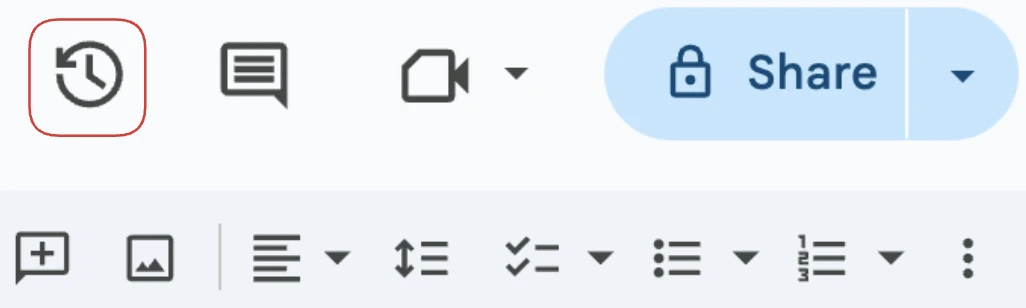
Version history is not AI detection. It does not say whether text came from ChatGPT, Gemini, Claude, or another AI tool.
But it can show whether a student typed gradually, edited over time, or pasted a large amount of text into the document at once.
That is why teachers sometimes use version history as context. If an essay appears in one large paste with no drafting process, that may raise questions, even if it is not proof of AI writing.
What Version History Can Show
Google Docs version history may show:
- When edits were made
- How many edits happened
- Which account made the edits
- Whether text appeared gradually or all at once
- Whether the document had a real drafting process
Here is an example of what a version-history panel can look like:
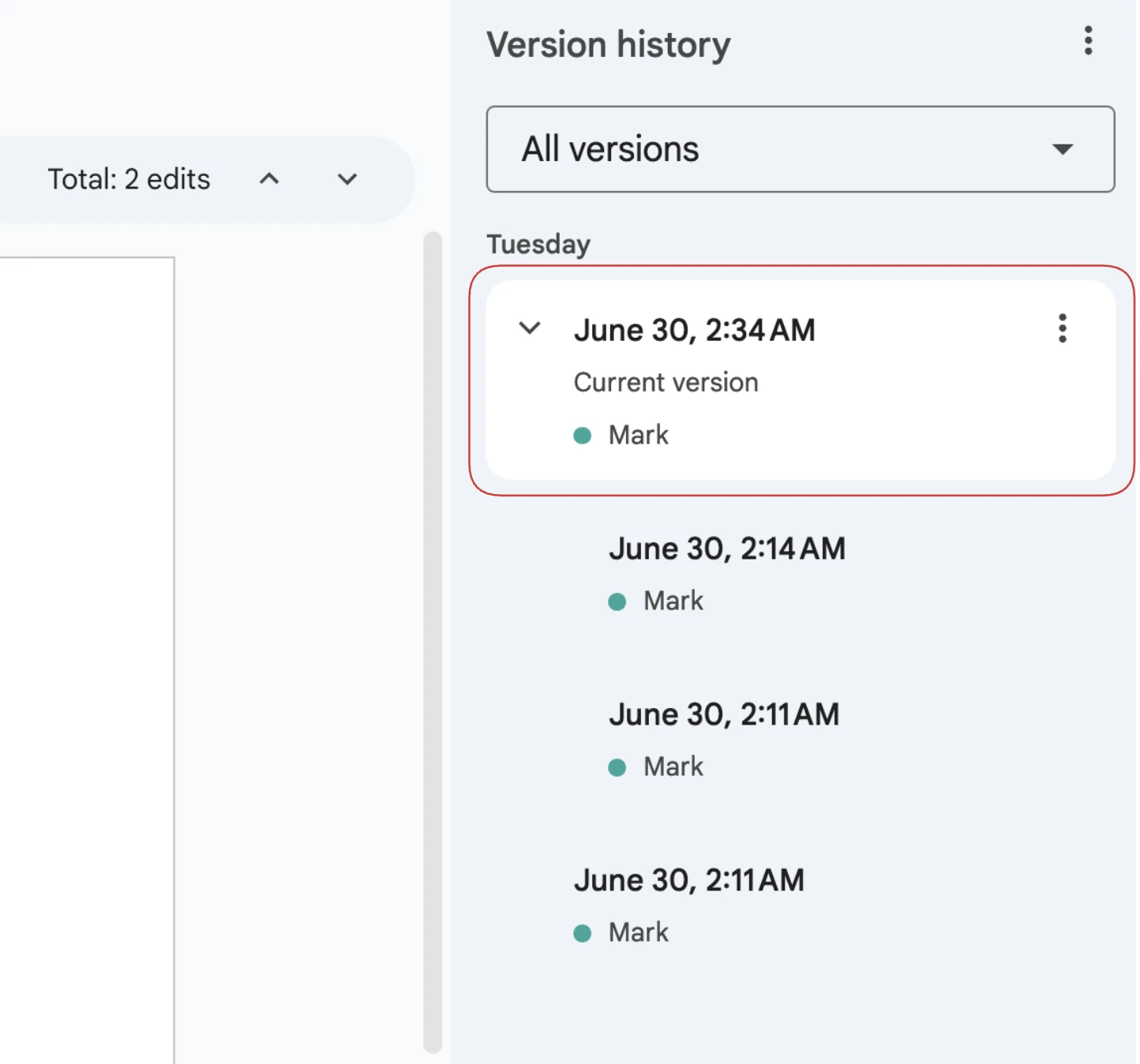
Again, this is not an AI detector. It is just edit history.
But if a teacher is worried that a student used AI, version history can become part of the conversation.
What If You Submit a PDF?
If you submit a PDF or uploaded file instead of a Google Doc, your teacher cannot see the Google Docs version history for that file.
That is because a PDF does not carry the same editable Google Docs history inside Classroom.
But that does not mean a PDF is impossible to check. A teacher can still:
- Copy text from the PDF
- Run the text through an AI detector
- Check the writing style manually
- Compare it with your previous work
- Ask for drafts, notes, or sources
So submitting a PDF may remove the version-history trail, but it does not prevent AI detection if your teacher uses a separate detector.
Can Google Classroom Detect ChatGPT?
Google Classroom does not detect ChatGPT.

If you paste ChatGPT text into a Google Doc and submit it through Classroom, Google Classroom does not automatically label it as ChatGPT.
But your writing can still be checked if:
- Your teacher looks at version history
- Your school uses an AI detector
- Your teacher copies the text into GPTZero, Copyleaks, or another tool
- Your writing style suddenly changes
- Your assignment sounds generic or overly polished
The risk is not Google Classroom alone. The risk is the full submission workflow around it.
How Teachers May Check for AI in Google Classroom
Teachers may use a mix of signals instead of relying on one button.
Common checks include:
- Looking for a sudden change in writing style
- Checking Google Docs version history
- Comparing the work with previous submissions
- Running the text through an AI detector
- Asking the student to explain their sources or argument
This is why it is risky to assume that "Google Classroom does not have AI detection" means the assignment is automatically safe.
Google Classroom does not detect AI writing, but teachers may still check.
How to Bypass AI Detectors Before Submitting
If you used AI to help draft something for Google Classroom, do not assume the assignment is safe just because Classroom does not detect AI writing.
Your teacher or school may still run the text through an AI detector. Before submitting, you should check for the patterns that commonly get flagged:
- Repetitive structure
- Generic introductions
- Overused transition words
- Balanced but shallow explanations
- Sentence rhythm that sounds too polished
This is where TwainGPT is useful if your goal is to bypass AI detectors.
Use the TwainGPT AI Humanizer to rewrite AI-generated text so it can bypass AI detectors like GPTZero, Copyleaks, Pangram, and Turnitin.
Final Answer
Google Classroom does not detect AI writing.
However, schools commonly use other AI detectors to scan student work, including GPTZero, Copyleaks, Pangram, Turnitin, and similar tools.
If you are worried your assignment could get flagged, use TwainGPT's AI humanizer to bypass AI detectors before submitting.
FAQ
Does Google Classroom have AI detection?
No, Google Classroom does not detect AI writing. Schools may still use separate AI detectors to scan student work.
What AI detector does Google Classroom use?
Google Classroom does not use one default AI detector. Schools may use tools like GPTZero, Copyleaks, or Turnitin.
Can Google Classroom detect ChatGPT?
No, Google Classroom does not detect ChatGPT. A teacher can still check the work with version history, manual review, or a separate AI detector.
Can Google Classroom detect Gemini?
No, Google Classroom does not detect Gemini writing. If your school uses an AI detector, Gemini text can still be checked.
Can teachers see Google Docs version history?
Yes, if the assignment gives them access to the Google Doc. Version history is not AI detection, but it can show how the document was edited.